01
Zero Cost
Professional video editing without monthly subscriptions or one-time fees
Free Video Tools 2026
Discover powerful **free video editing tools** that rival expensive software. Create professional videos online with no watermarks, no downloads, and no subscriptions required.
Professional video editing without monthly subscriptions or one-time fees
Browser-based tools work instantly without installing large software
Modern tools offer real-time preview and instant exports
Free doesn't mean low-quality - get HD exports and pro features
| Feature | Free Tools (Zlabz) | Expensive Software |
|---|---|---|
| Monthly Cost | $0 | $20-50+ |
| Setup Time | Instant (browser-based) | Hours (large downloads) |
| Learning Curve | Minutes | Weeks to months |
| Export Quality | HD/4K, no watermarks | Professional quality |
| Updates | Automatic (web-based) | Manual downloads |
Start with text animation for social media or the full editor for complete projects.
Upload your content or start with templates. Use the intuitive interface to add effects, text, and transitions.
Download your professional video in HD quality with no watermarks. Share directly to social media.
Looking for free alternatives to expensive video editing software? Zlabz provides professional-grade tools without the cost:
Use Zlabz Text Match Cut Creator - faster and free to start
Use Zlabz Online Editor for text animations and effects
Zlabz offers multiple distinct editor modes, each designed for a specific type of video content. Rather than bundling every feature into a single bloated interface, each mode is streamlined for its purpose. Zlabz mode creates full-frame paragraph animations with cinematic highlight effects, ideal for motivational content and storytelling. Newspaper mode renders a vintage newspaper layout with animated text reveals that mimic a broadsheet being read. Book mode generates cinematic book page animations complete with page-turn effects and aged paper textures. These three modes use the Konva canvas rendering engine for real-time preview at 60 frames per second directly in your browser, with no server-side processing required.
The remaining modes cover specialized video formats that content creators regularly need. Zvidz is a YouTube word finder that searches video subtitles and assembles clips where specific words are spoken, creating rapid-fire montages automatically. Text Morph generates morphing text animations where letters transform fluidly between words using Remotion server-side rendering for pixel-perfect output. Google Search mode creates cinematic recreations of Google search results with typing animations and result reveals. Object Match Cut uses vision AI to assemble rapid-fire montages from web images, matching visual composition across cuts. Mixed Media Creator lets you import footage, extract frames, print contact sheets with registration marks, draw on paper or digitally, scan artwork back with auto-alignment, and export as MP4 or GIF — the full rotoscoping pipeline in your browser. Together, these modes cover the most common video formats requested by social media creators, educators, and marketers.
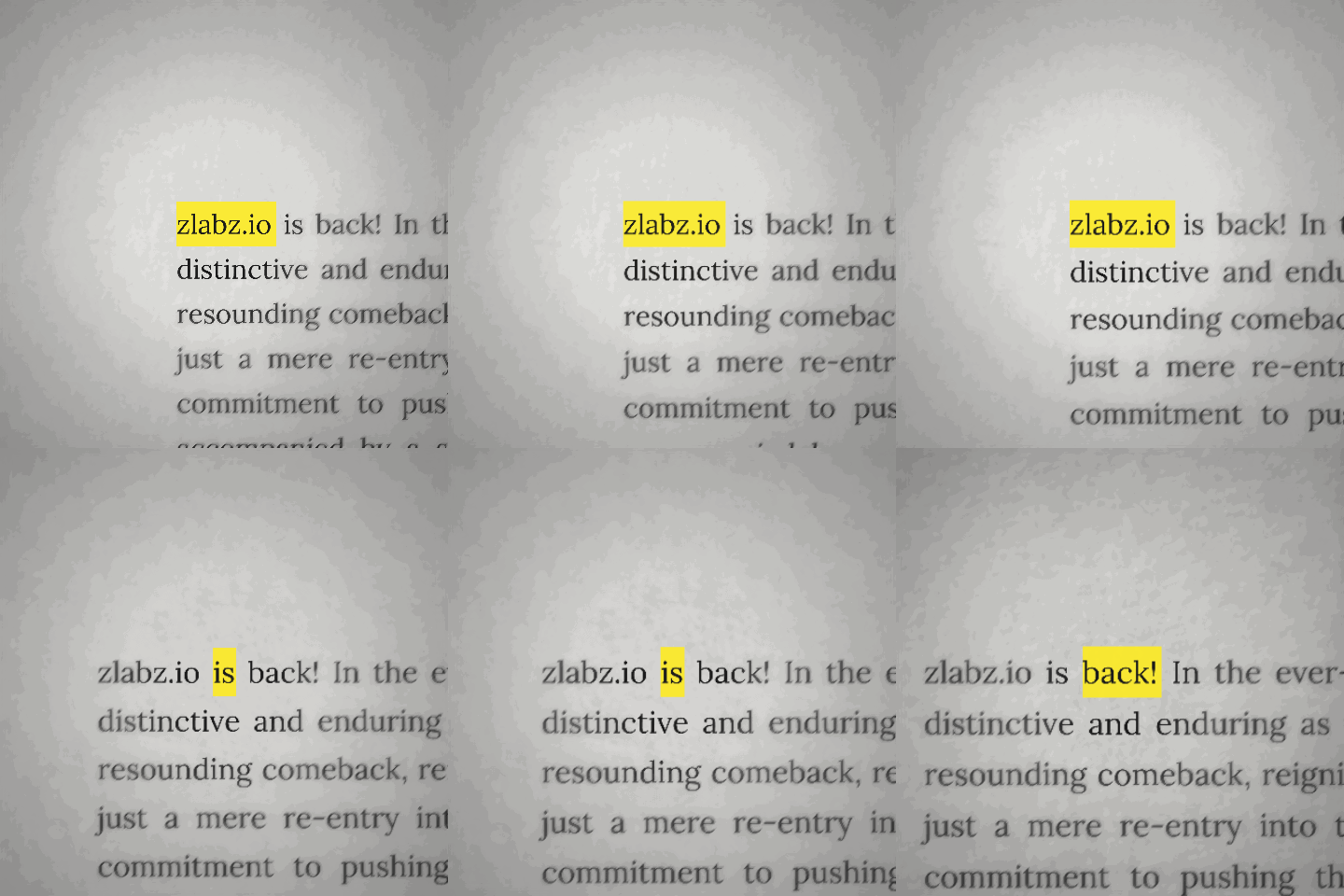
Full-frame paragraph animations with cinematic word highlighting. Type your text, choose highlight colors and timing, then export at up to 4K resolution. Ideal for motivational quotes, poetry readings, and short-form storytelling content.
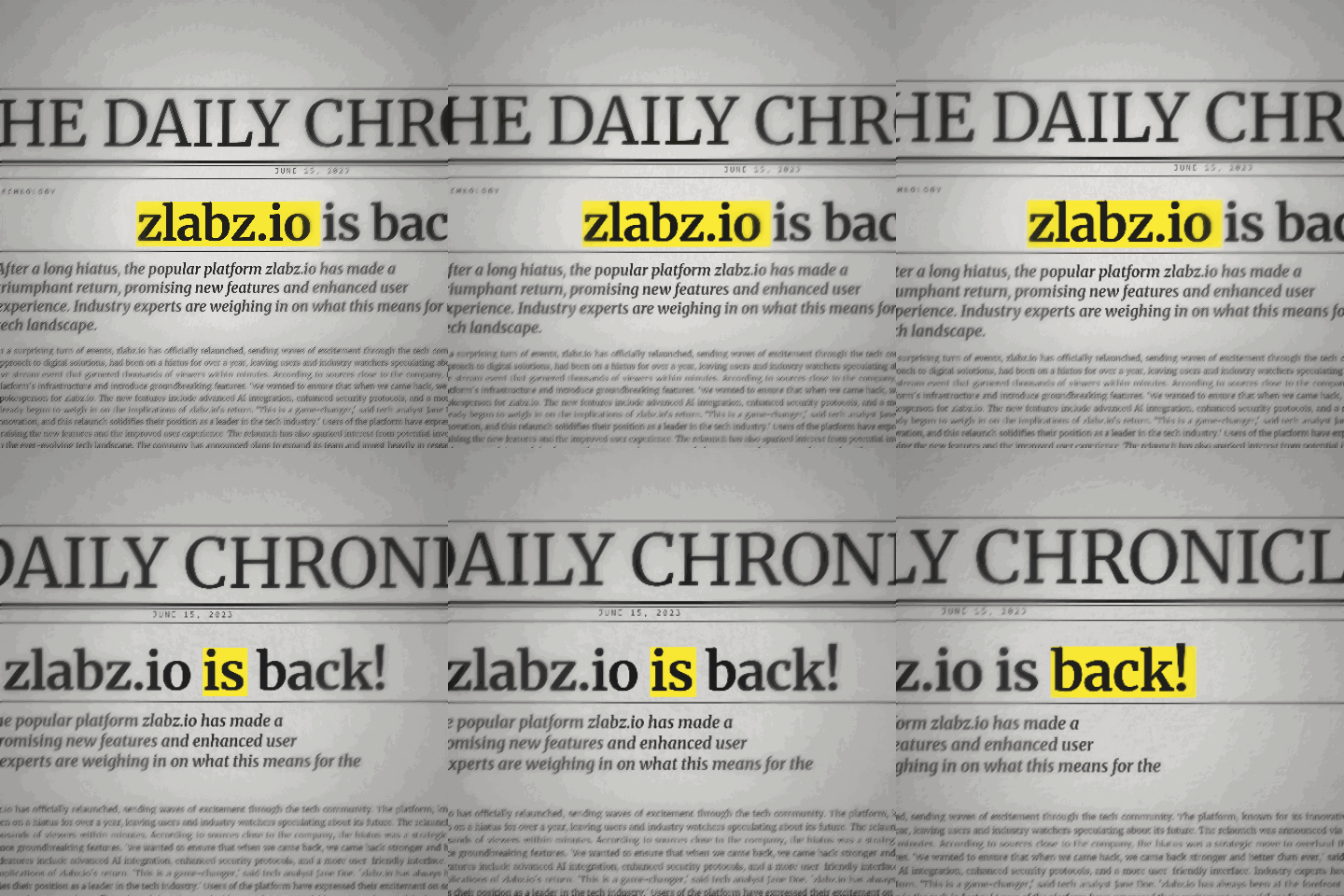
Vintage broadsheet-style text animations with headlines, columns, and aged paper textures. Supports progressive word reveal and phrase-level animation. Popular for news commentary, historical content, and dramatic text reveals.
Cinematic book page animations featuring realistic page-turn effects, aged paper backgrounds, and serif typography. Export book-style text reveals for literary content, audiobook trailers, and educational presentations.
Search any YouTube video's subtitles for specific words, then automatically compile those moments into a montage. Uses timestamp-accurate subtitle parsing to find and clip every instance of your chosen word from any video.
Generates fluid morphing animations where letters transform between words. Uses server-side Remotion rendering for consistent, high-quality output. Perfect for logo reveals, word association content, and creative transitions.
Recreates a cinematic Google search experience with realistic typing animations, autocomplete suggestions, and result reveals. Renders server-side for pixel-perfect accuracy across all devices and export formats.
Zlabz supports MP4 and WebM export formats. You can choose resolution from 720p up to 4K (3840x2160) depending on your needs. The export uses WebCodecs API and FFmpeg WASM for client-side encoding, meaning your video is processed entirely in your browser without uploading to any server. Frame rates of 24, 30, and 60 fps are available across all editor modes.
You can preview animations without an account, but creating a free account with Clerk authentication unlocks saving projects, accessing your export history, and using daily credits. The free tier includes generous daily export limits that reset every 24 hours at midnight UTC. No credit card is required, and the free tier is not a trial with an expiration date.
Modern browser APIs like WebCodecs and WebAssembly (used by FFmpeg WASM) deliver rendering performance within 10-20% of native desktop applications for text animation workflows. Zlabz's Konva canvas engine provides 60fps real-time preview, and final export speeds depend on your device's CPU and GPU. A mid-range laptop typically exports a 30-second 1080p video in under 60 seconds.
Yes. Videos you create with zlabz.io are yours to use for any purpose, including commercial projects, client work, social media monetization, and advertising. There are no usage restrictions, no attribution requirements, and no watermarks on exported videos. The content you create belongs entirely to you.
Chrome and Edge provide the best experience because they have full WebCodecs API support and optimized WebAssembly performance. Firefox works for previewing but may have slower export times. Safari on macOS supports most features but WebCodecs support varies by version. For the fastest exports, use a Chromium-based browser with hardware acceleration enabled in settings.
Ready when you are
Why pay for expensive software when you can create professional videos for free? Join thousands of creators using Zlabz's free video editing tools.